Your reels, edited by Claude.
in your own styleFlowjoy Editing Studio is an AI video editor for your Mac or Windows PC. You film and drop the video in. Claude plans every second as a storyboard, you approve it, and Claude edits your reel with captions, effects and sound. No editing app to learn.
How it works
five easy stepsYou stay the creator. Claude does the hours of cutting, captions and effects, and nothing happens without your OK.
Talk to your phone like you always do. Restarts and pauses are fine.
Drop the video on your studio and write what you want in your own words.
Claude shows a storyboard of every beat on your real footage. Approve it or ask for a change.
Watch the reel, pause where something should change and write a short note.
Your finished reel is ready, with a caption and a first comment to copy.
See it before Claude edits
the plan comes firstEvery beat shows a picture of your own video with the planned words and effects, what you say, the sound, and why it works. You press Approve or Change. That is it.
- A hook that holds people in the first two seconds
- Big headlines, handwritten notes and captions that appear as you speak
- A new visual every one to two seconds, like the reels you love
- Restarts, long pauses and breaths cut out for you
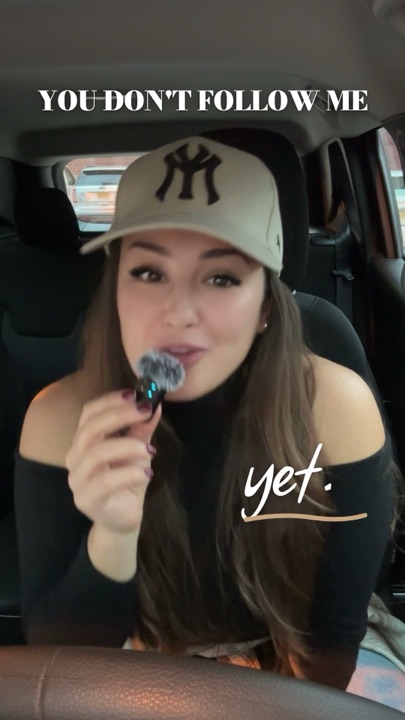
Approved
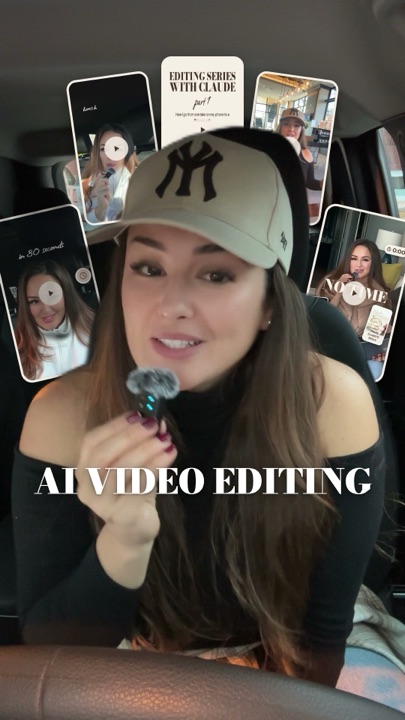
Approved
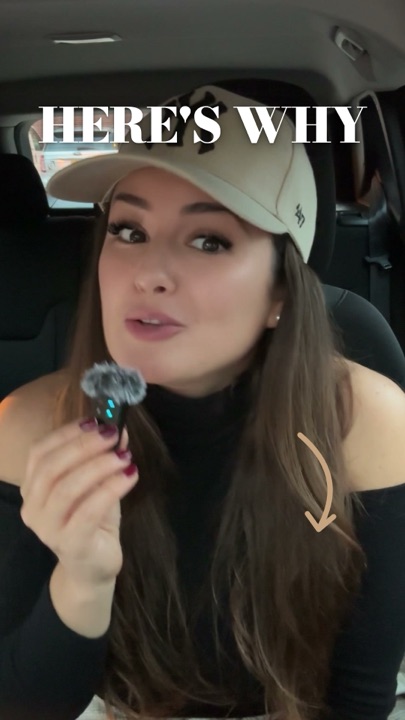
Approved

Approved
Find your own style
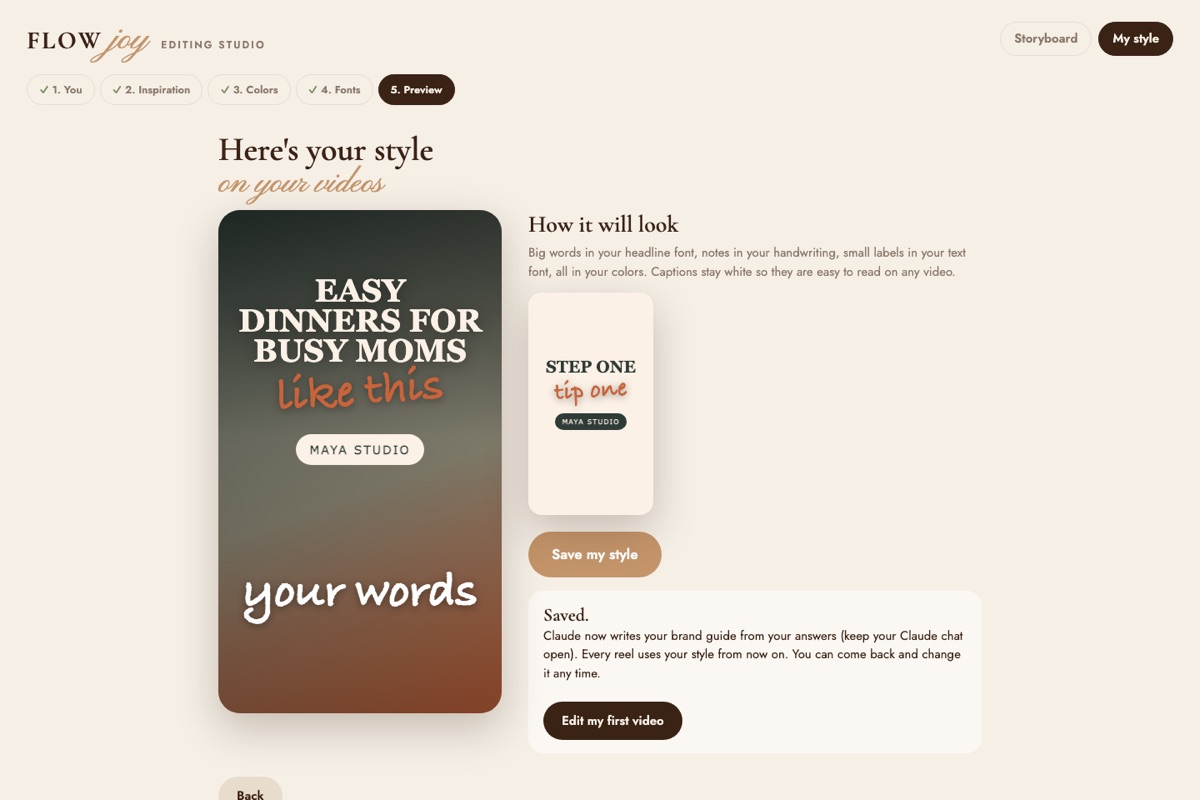
then every reel uses itYour studio starts with a few good questions about you and the people who watch you. Then it helps you choose the look that is yours.
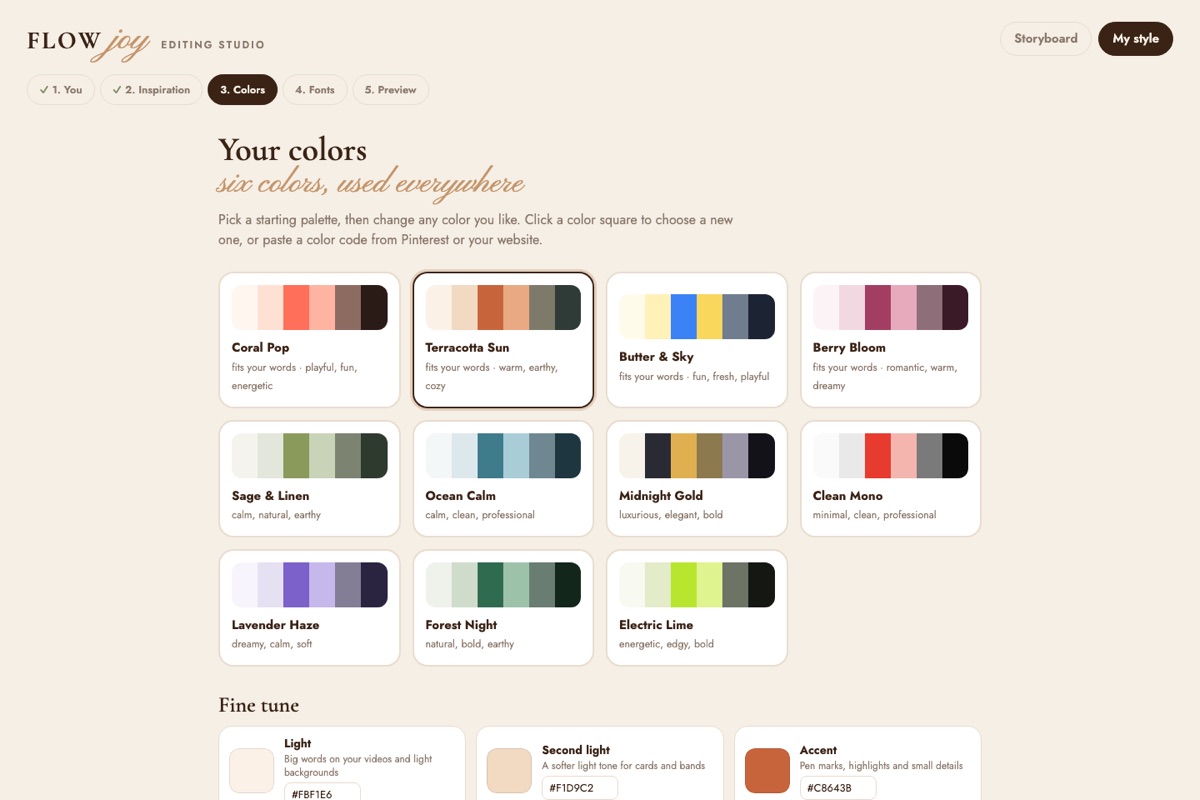
- Collect inspiration on Pinterest, drop the pictures in, and the studio pulls the colors out for you
- Pick from palettes that match your words, or use your own color codes
- Choose three fonts: one we suggest, any free Google font, or a font file you found
- Your handwriting font writes itself on screen, like a real pen
- Claude writes your brand guide and follows it in every reel
Set up with one double click
even if you are not techyAll you need is a Mac or a Windows PC and Claude. The installer checks your computer and sets up everything else, step by step, and tells you exactly what to do when it needs you. Anything you already have is skipped.
What you get
yours to keepThe storyboard editor for your Mac or Windows PC: plan first, then edit, with notes on the exact second.
Questions, Pinterest inspiration, colors and fonts, turned into your own brand guide.
Sets up everything the studio needs, for people who have never used a terminal.
Download, install, find your style and edit your first reel, plus quick fixes.
Every finished reel comes with a caption, three hashtags and a first comment.
New versions show up in your member area, at no extra cost.
- A Mac with Apple silicon (M1 or newer) or a Windows 10 or 11 PC
- A Claude Pro or Max plan
- About 30 minutes for the first setup
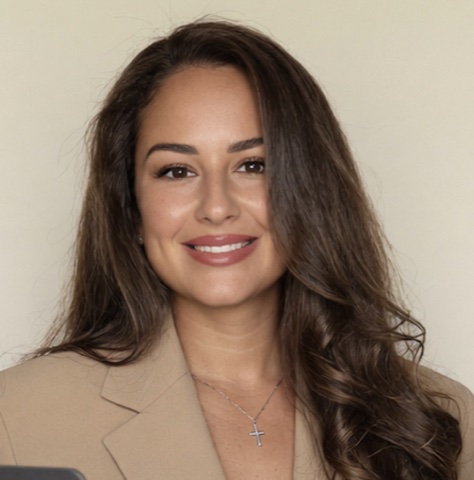
I'm a marketing professional and a twin mom. I built this studio for my own reels. Editing used to take me hours, and AI gives me that time back. Now I film, approve a plan, and Claude does the rest. I made it simple enough that you never have to open an editing app.
Questions
Do I need to be good with tech?
No. The installer sets everything up and tells you what to do at each step. After that you drop in a video, approve a plan and write short notes in plain words.
What do I need?
A Mac with Apple silicon (M1 or newer) or a Windows 10 or 11 PC (16 GB of memory recommended), and a Claude Pro or Max plan. The installer gets everything else for you.
Does it work on Windows, Android or an iPad?
Windows 10 and 11: yes. Phones and tablets (Android, iPhone, iPad): no, because the editing runs on a computer. You still film on your phone.
Is my video uploaded anywhere?
No. Your videos stay on your computer. Transcription and editing run on your computer, and Claude reads the words of your video, not the video file.
Will my reels look like everyone else's?
No. You find your own style first: your colors, your fonts and your handwriting. Claude follows your brand guide in every reel.
Is this a subscription?
No. It is a one time payment, and future updates are included.
What if something does not work?
Run the installer again, it repairs what is missing. You can also ask Claude to run the setup check, or reply to your welcome email.
Film it. Approve it. Post it.
Claude does the editing Get the studio, $59 with BLACKFRIDAYBlack Friday price until December 4 at 11:59 PM ET. One time payment.